Selling Internationally
How to Translate Product Descriptions for Shopify
Learn how to translate product descriptions for Shopify with local terms, accurate product data, units, and a practical quality check.
Use this ecommerce localization checklist to prepare product pages, catalog details, images, prices, and localized SEO for a new market.
An ecommerce localization checklist prevents a familiar mistake: translating product copy while leaving the actual buying decision unchanged. A customer needs the right language, product facts, price context, and delivery expectations before they can buy with confidence.
Use this checklist before launching a new market. It focuses on the product page and the catalog behind it, where small gaps turn into returns, support tickets, and abandoned carts.
Start with countries where the store already has demand, workable shipping, and a product that can legally be sold there. Do not translate every SKU for every country on day one. Pick one market, one language, and a small group of high-intent products. That gives the team a real launch to inspect.
Shopify describes localization as adapting a store’s content, pricing, checkout, and buying experience for a specific market. That is broader than translation. A German version of a page can still feel foreign if its measurements, delivery promise, or product availability are wrong.
Keep model numbers, part numbers, and the brand name stable. Adapt the words around them. The phrase a US shopper uses may not match the phrase a shopper uses in the UK, Germany, or Australia. Search the local term before rewriting a title.
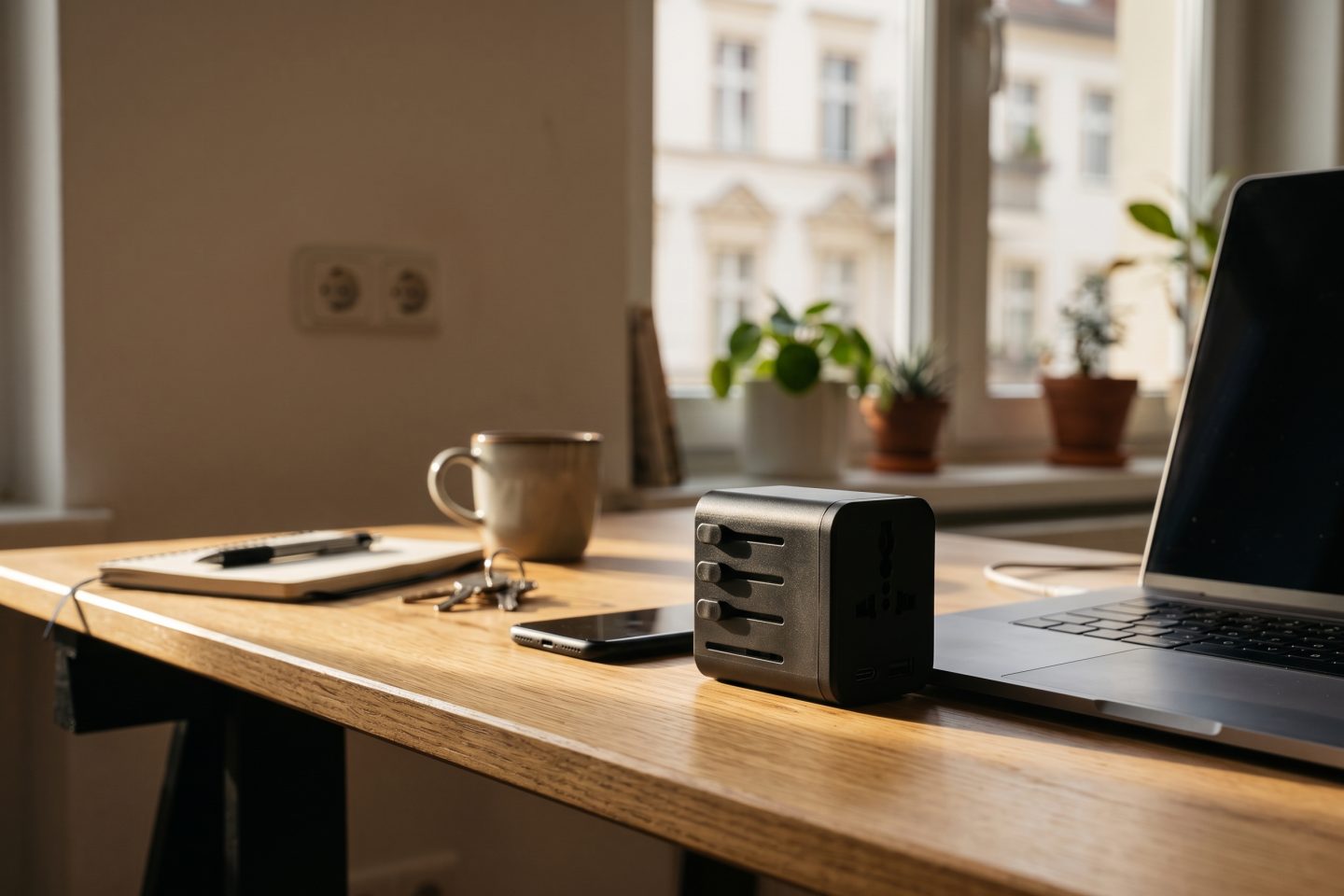
For a sample travel adapter, a weak title might be Universal Adapter for Travel. A better local title names the shopper’s job and the product type: Universal Travel Adapter with USB-C Charging Ports. The second version still needs a local search check before it goes live in each market.
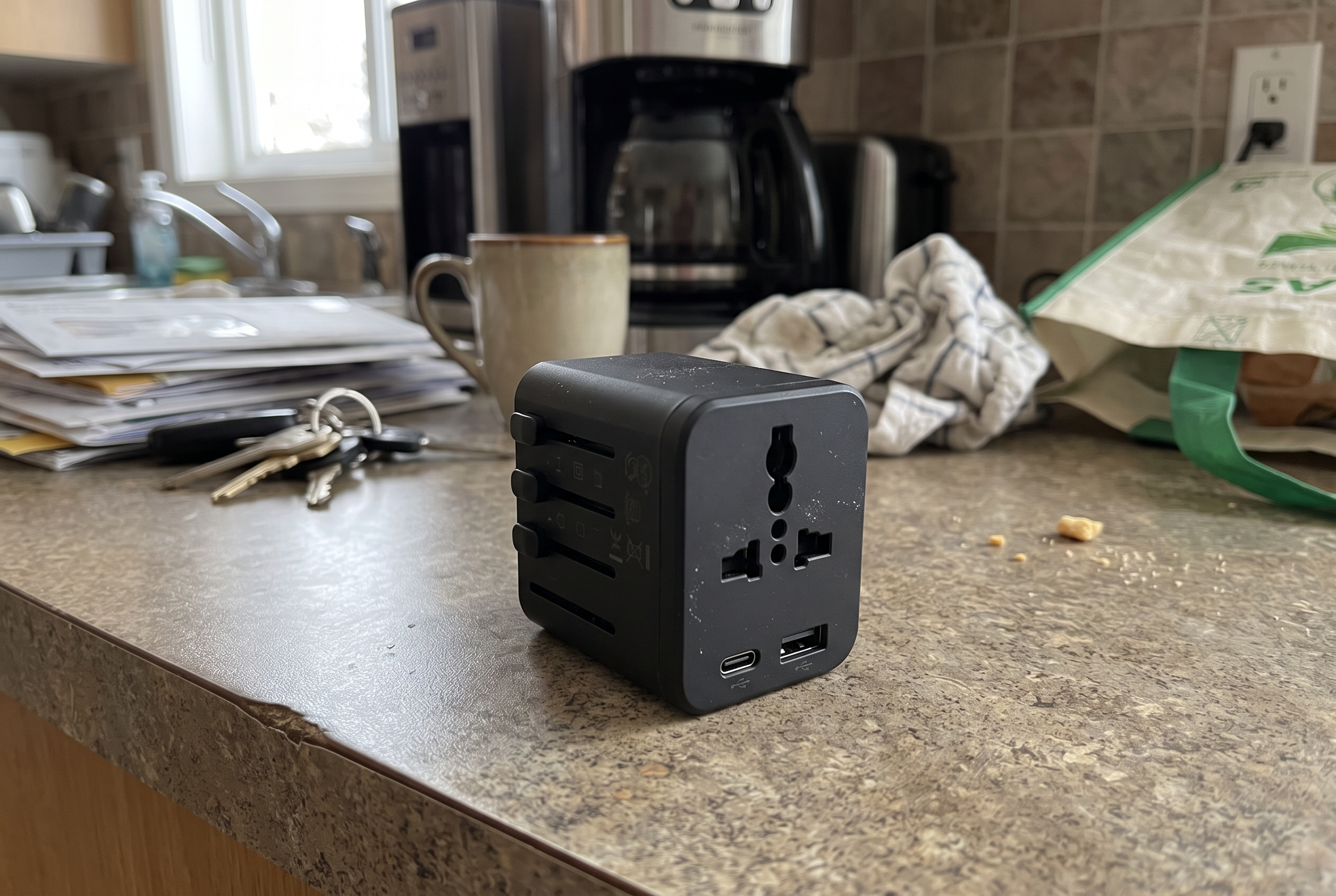
Do not leave shoppers to convert dimensions in another tab. Check length, width, capacity, weight, clothing size, voltage, and plug type where they apply. Put the local unit first for that market, then include the original in parentheses if it helps comparison.
Use a product-specific rule. A pillow needs dimensions and fill weight. A shirt needs a size chart with body measurements. A travel adapter needs compatibility details that are accurate for the exact product. Never imply electrical compatibility or safety certification that the supplier has not confirmed.
| Product field | Weak localization | Useful localization |
|---|---|---|
| Dimensions | 8 x 5 x 3 | 20 x 13 x 8 cm (8 x 5 x 3 in) |
| Weight | Lightweight | 180 g (6.3 oz) |
| Fit | Fits most | Size chart with chest, waist, and garment measurements |
| Compatibility | Works abroad | Exact countries, plug types, and device limits confirmed by the supplier |
A literal translation can preserve every word and still lose the reason to buy. Put the local shopper’s question first. For a travel adapter, that might be whether it fits the destination, charges the needed devices, and is suitable for the item being plugged in. Then use short bullets for the facts.
Keep claims restrained. Avoid saying a product is “best,” “safe,” or “universal” unless the evidence supports the claim. Translate care instructions, material names, warranties, and restrictions with the same care as the headline. Those details drive fewer surprises after delivery.
A product that can ship from the home market may not belong in every market catalog. Check inventory, shipping zones, duties, returns, and restrictions before the localized page is published. Shopify market catalogs can control which products appear in a market and can apply market-specific prices. That makes catalog review part of this ecommerce localization checklist, not an afterthought.
Make the price and currency clear before checkout. If taxes or import costs cannot be shown exactly, explain what is known and where the shopper will see the final amount. Do not hide a market restriction in a product description.
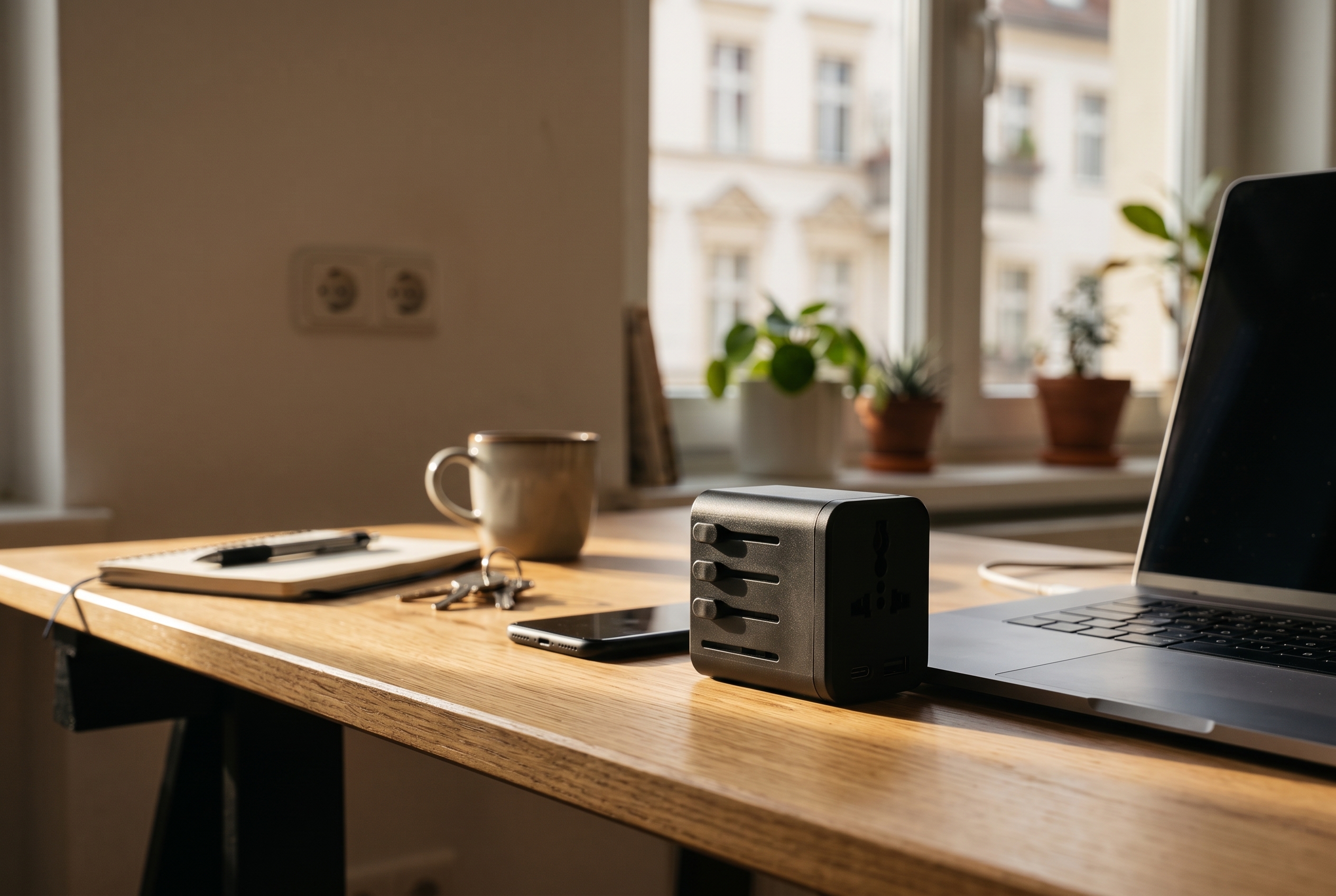
Use the same product identity in every market. Then adapt the context only when it helps the shopper understand use, size, or setting. A lifestyle photo can show a travel adapter near a desk. It should not show a plug, outlet, or device setup that the product does not support.
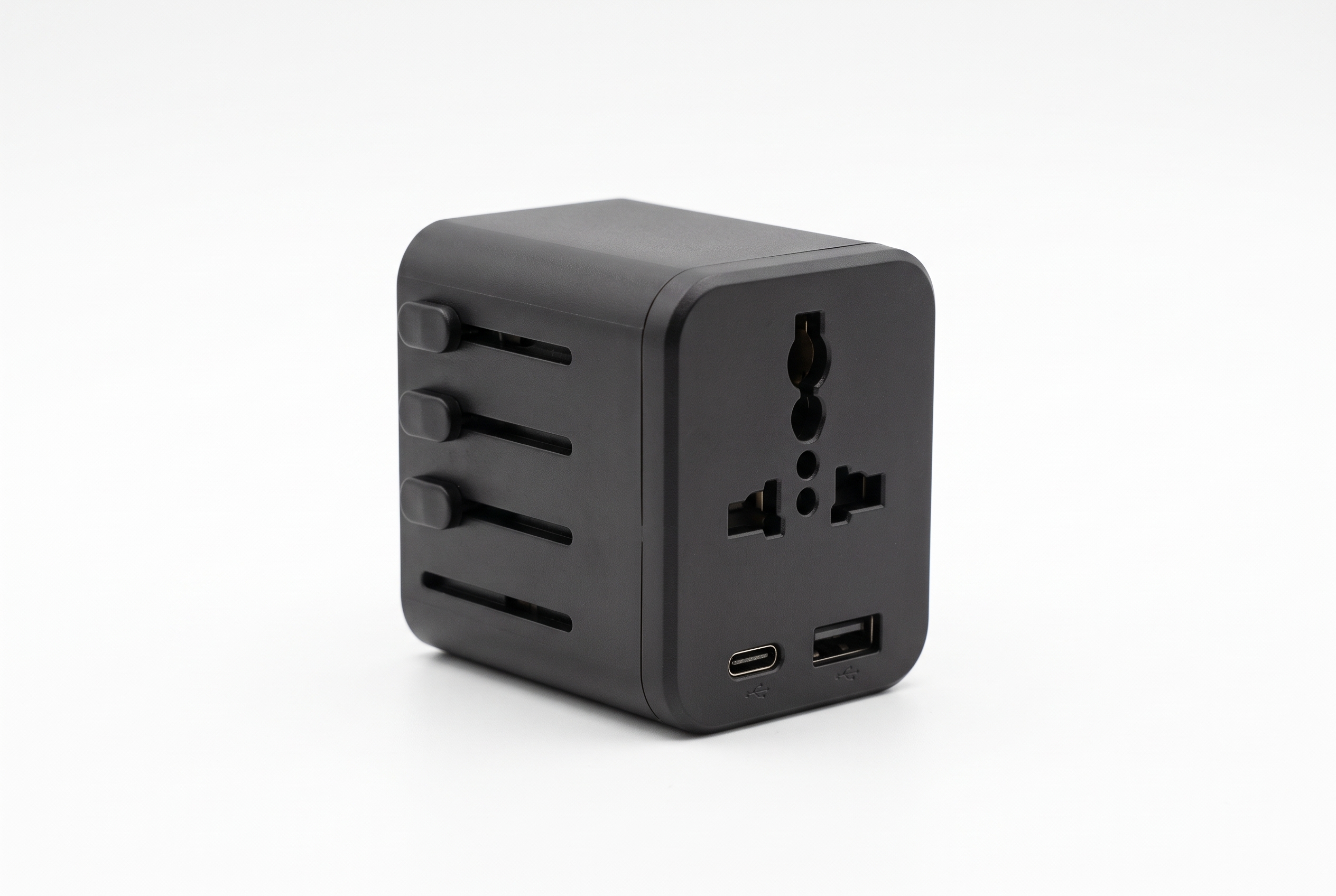
Also localize practical image details: size-chart graphics, care icons, package contents, and alt text. Keep images truthful. If a product page shows an accessory, make it clear whether that accessory is included.
Product pages are only one part of the trip. Shopify says published languages can show translated product details, policies, checkout, and notifications, each on its own URL. Before launch, open the local storefront as a shopper would and check the menu, cart, checkout messages, policy links, and post-purchase email.
List missing translations before publishing. A default-language return policy beside a localized product description can make a store look unfinished, even when the product copy is strong.
For localized versions of a product page, Google recommends identifying the alternate language or regional versions with hreflang. Each version should reference itself and the relevant alternates. Use fully qualified URLs, and add an x-default page when a shopper needs to choose a country or language.
Check this alongside titles, meta descriptions, image alt text, and local search terms. A translated page that is invisible to the intended market cannot earn the traffic it was built for.
Do not test only the editor preview. Choose one product and act out a complete scenario: a customer in the target market lands on the page from search, selects a variant, reads the delivery terms, adds it to cart, and reaches checkout. Check currency, address fields, taxes, and error messages.
Use a simple pass-or-fix list. If the shopper cannot confirm fit, price, availability, and delivery without guessing, the product page is not ready.
Localization fails when it becomes a one-time translation project. Add the checklist to the workflow for new products, revised descriptions, image updates, and market launches. A catalog audit can flag the missing fields first; see this product listing audit checklist for a broader starting point.
For Shopify stores, pair this review with the work of translating product descriptions and the Selling Internationally category. The goal is simple: every shopper should see a page that answers the same buying questions in the way their market expects.
Agerta can help teams spot missing product details, create consistent images, and prepare localized product content before it reaches the store. See how the workflow works when a catalog needs that support at scale.
For platform details, review Shopify’s language and translation guidance, its market catalog documentation, and Google’s localized page guidance before changing a live storefront.
Your agentic office
Your Store Manager finds products missing photos, descriptions or details, writes titles and descriptions in every language you sell in, and prepares product photos and videos for your Shopify or WooCommerce store. Store changes wait for your approval until you let routine updates through.
Selling Internationally
Learn how to translate product descriptions for Shopify with local terms, accurate product data, units, and a practical quality check.
Product Video
Use this product video checklist to plan clear listing clips that answer buyer questions, show real product details, and work on mobile.
Store Automation
Learn which product data audit checks to automate, which need human review, and how to fix listing gaps across an online store.