E-commerce SEO
Product Image Alt Text Checklist: 9 Things to Check
Use this product image alt text checklist to write clearer image descriptions that help shoppers and give search engines useful context.
Prepare product images for Google Shopping with the right size, clean main photo, crawlable URL, and useful extra views.
Google Shopping image requirements are changing, and a small product photo can now create a future feed problem even when it still passes today. Google says all product images must be at least 500 by 500 pixels from January 31, 2027. Stores should audit their catalog now, then replace weak source images before the deadline turns warnings into disapprovals.
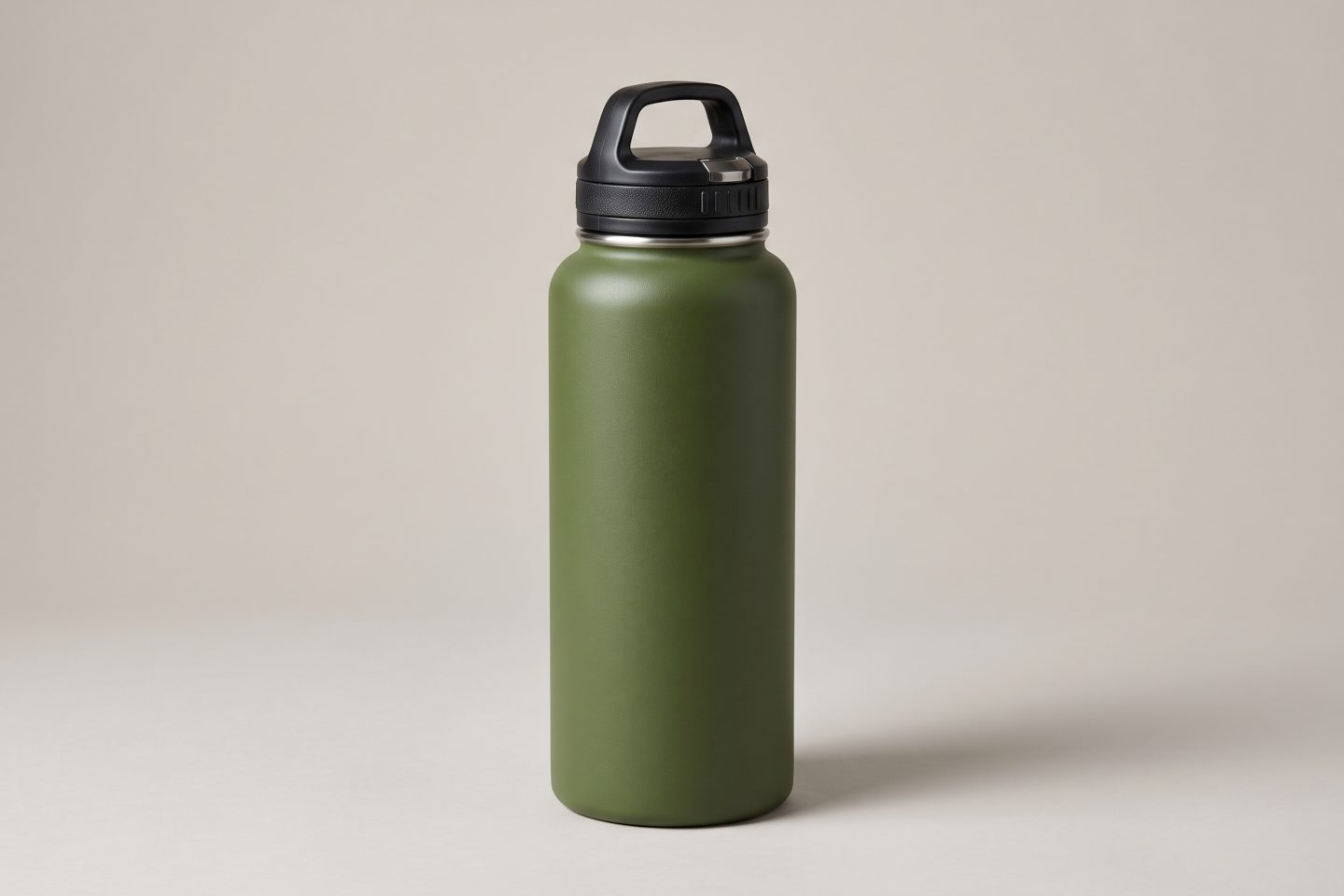
The practical target is simple: send a clear, crawlable main image that shows the exact product, then add useful detail and lifestyle views. The sample water bottle images in this article were made for this article to show how that workflow looks.
Google currently accepts images as small as 100 by 100 pixels for non-apparel products and 250 by 250 pixels for apparel. That transition ends on January 31, 2027. The new floor is 500 by 500 pixels for every product image. Google is already showing warnings for images below that size, so this is a cleanup job with a visible deadline.
Do not confuse the minimum with the best working size. Google recommends images around 1500 by 1500 pixels or larger when possible. A larger original gives Google room to display the item across Shopping surfaces without turning a close inspection into a blurry crop. Keep the file under 16 MB and the image under 64 megapixels.
The Merchant Center image-size guidance also notes that YouTube Shopping ads shown on TV already need images of at least 500 by 500 pixels. If a catalog has older supplier images, treat that warning list as a production queue, not a problem for next year.
The main image comes from the image_link attribute. It is the primary product photo Google uses across its channels. Google Shopping image requirements are about more than pixels: the shopper must be able to see the product being sold, in the right variant, without visual clutter or misleading additions.
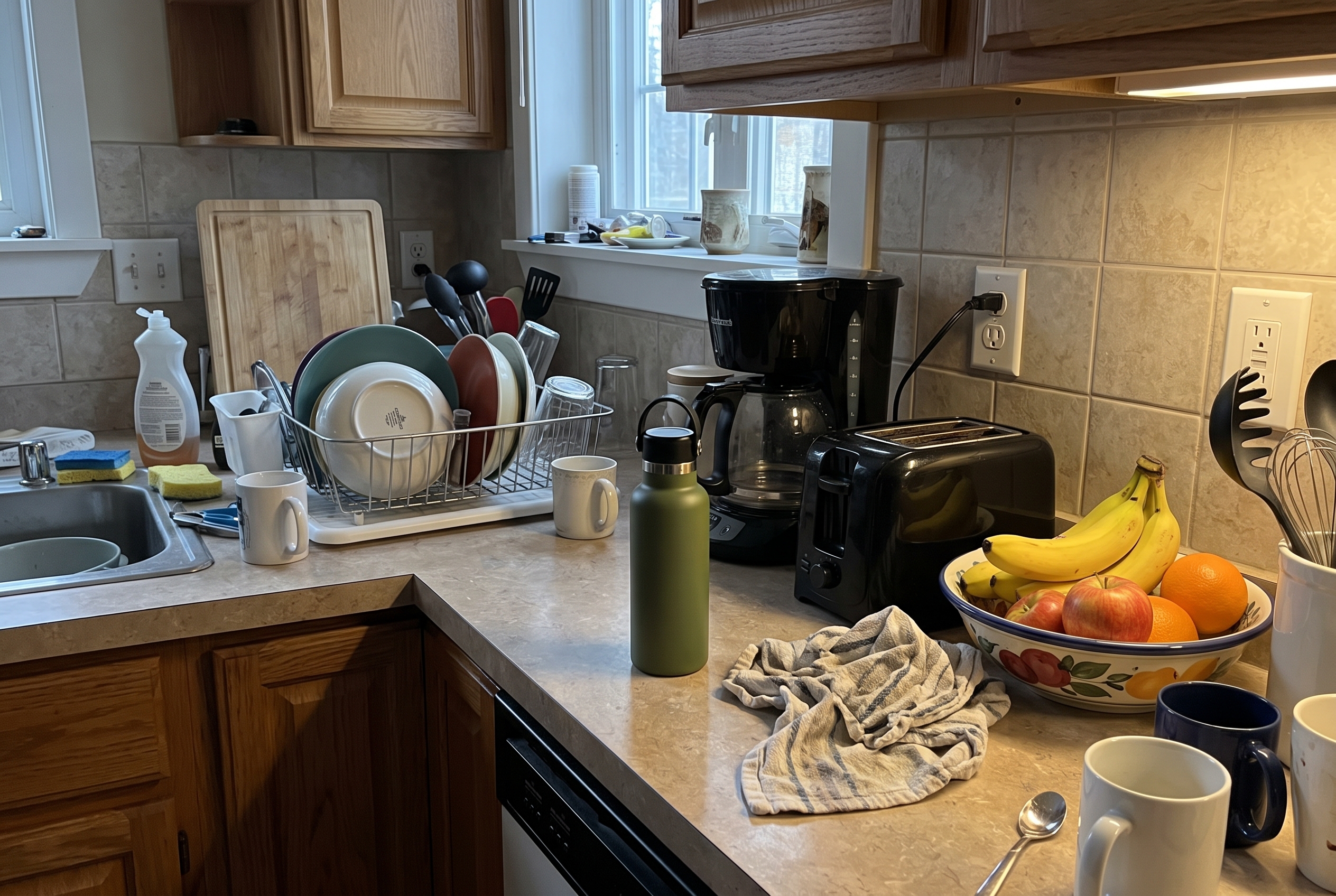
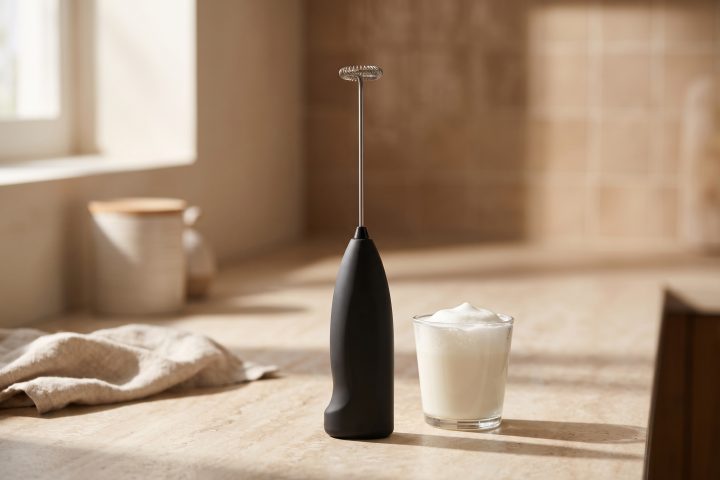
In the sample above, the bottle competes with dishes, appliances, and other objects. The image may tell a story, but it does not make the product easy to inspect. A shopper should not have to search the frame to confirm the color, lid, shape, or finish.
For a main image, use the complete product and match the variant in the feed. If the listing is for an olive bottle with a black lid, that is what the image must show. Avoid placeholder graphics, retailer watermarks, promotional text, borders, prices, or shipping messages. A brand mark that is physically part of the product is different from a graphic pasted onto the photo.
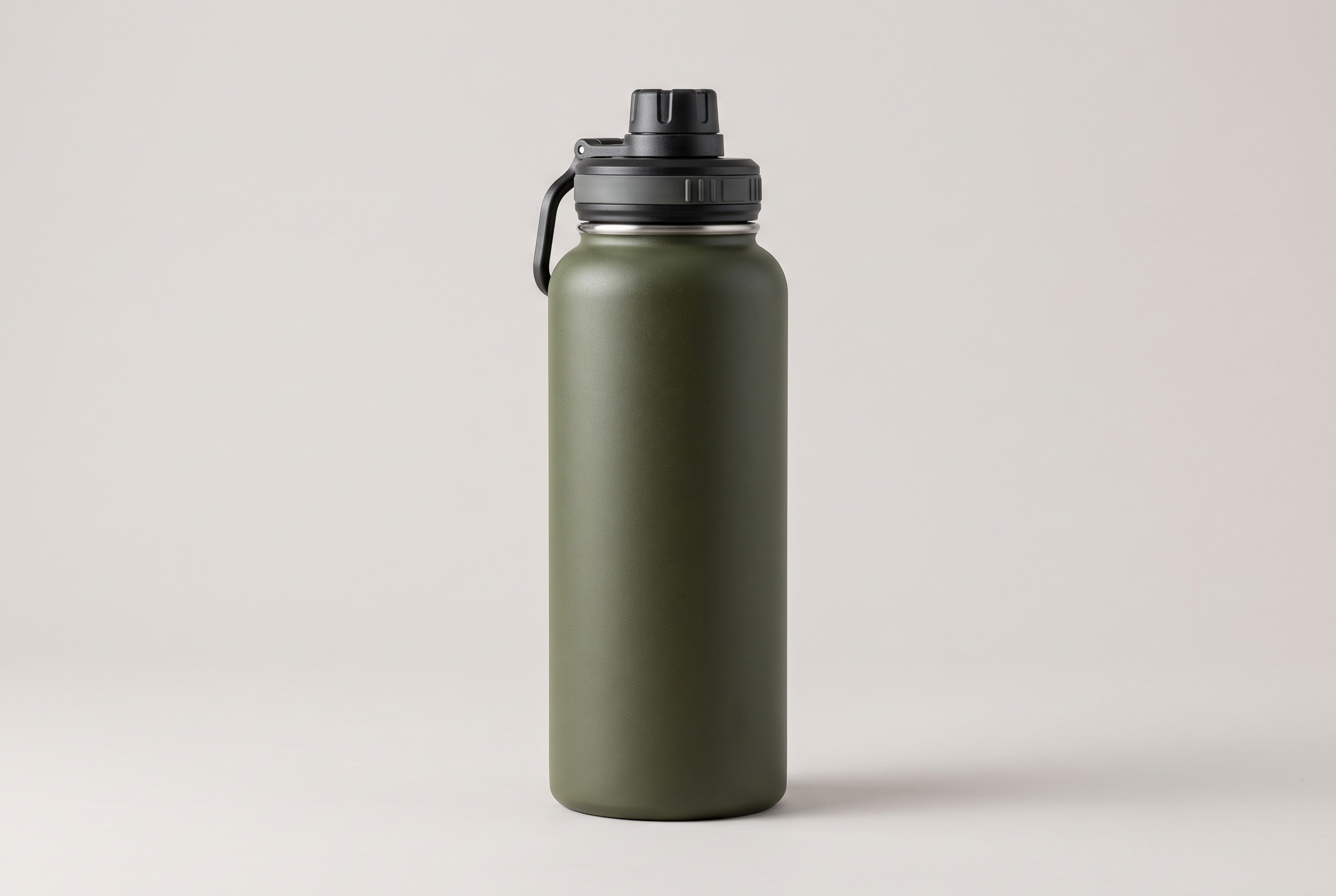
The improved version is not about making every catalog image white. It is about making the item unmistakable. A neutral background, even lighting, and a product that fills most of the frame make it easier to review at a glance. Google advises against thumbnails and merely scaling up a weak source file. Start with a real full-resolution image instead.
Google Shopping image requirements also apply to delivery. The image URL needs to be publicly reachable, correctly formatted, and crawlable by Google. JPEG, PNG, WebP, GIF, BMP, and TIFF are accepted formats. The extension should match the real file type. A broken image URL, an expired CDN link, or a robots rule that blocks image crawling can leave an otherwise good photo out of the feed.
The Google image_link documentation explains that the main image URL must use HTTP or HTTPS and be accessible to Googlebot and Googlebot-Image. It also distinguishes the primary image from extra angles and lifestyle images, which belong in their own feed fields.
Do not open thousands of listings one by one. Start in Merchant Center. Filter the Needs attention area for image warnings, review the issue history, and export the affected products. Then sort the list by the work needed. The fastest wins are usually images that already have a high-resolution original but use an old thumbnail URL.
| Image issue | What to check | Best response |
|---|---|---|
| Below 500 by 500 | Whether a larger original exists | Replace the feed URL with the original, or reshoot if it does not exist |
| Product is tiny in frame | Whether the full product is easy to inspect | Create a new main image with the item clearly visible |
| Wrong color or variant | Whether photo and variant data match | Map a variant-specific image to that listing |
| Text, watermark, or badge | Whether the overlay was added after photography | Export a clean product-only version |
| URL cannot be crawled | HTTP response, file type, and robots access | Fix the hosting path before reprocessing the feed |
Prioritize the products that drive traffic or revenue first. Then work through categories that rely on supplier assets, where low-resolution files often repeat across many variants. Keep one row per product and record the current image URL, source location, replacement status, and person responsible. That turns a vague policy change into a manageable content queue.
For product pages, the same audit can improve on-site quality. Use the product image alt text checklist after replacing files so the new images have useful descriptions. If a product page is missing more than a photo, use a wider product listing audit to catch titles, details, and feed fields together.
One clean main photo earns the click. Extra images help a shopper decide. Use them for a back view, close-up texture, scale, included pieces, packaging, or the product in use. They should still show the exact item and avoid added promotional graphics.
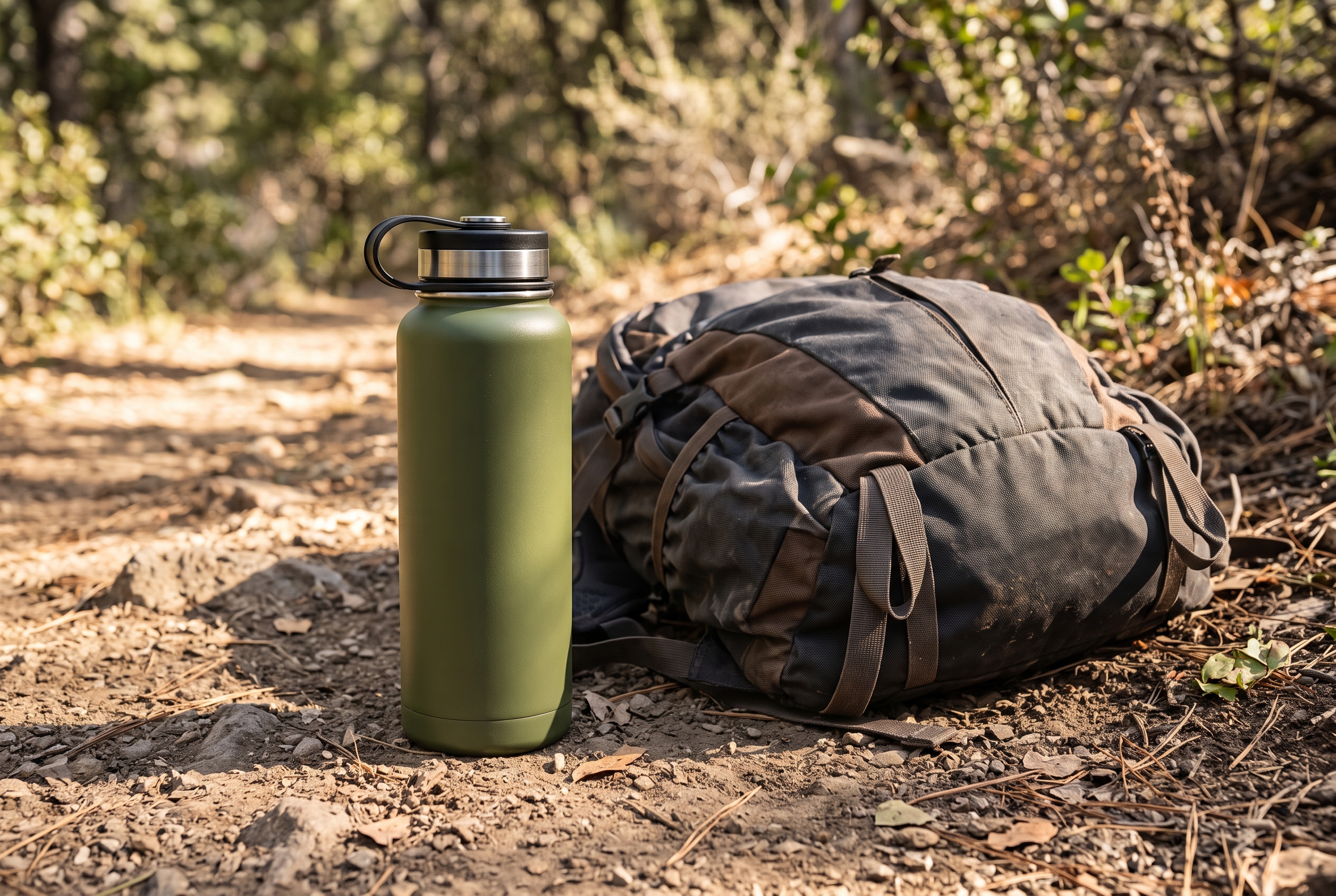
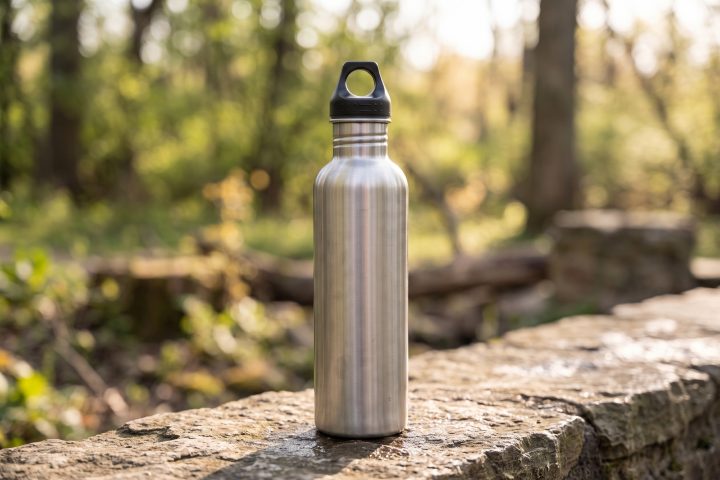
The water bottle scene works as a supplementary image because it answers a context question: where might the customer take it? It should not replace the main image. The main image identifies the object; the supporting image makes the listing more useful. That division keeps Google Shopping image requirements from forcing every image into the same studio look.
For apparel, include front, back, detail, and fit views where the product supports them. For electronics, show ports, included accessories, and scale. For bundles, show every item in the bundle. The right sequence depends on the product, but each image should remove a real buying question.
Google Shopping image requirements give stores a clear reason to clean up old files, but the work also makes product pages easier to shop. Browse more e-commerce SEO guidance as you tighten the feed. Agerta can find listings with weak photos, create the missing product images, and prepare the descriptions and feed updates for review before they go live. See how Agerta handles product content work when the catalog is too large to repair one listing at a time.
Your agentic office
Your Store Manager finds products missing photos, descriptions or details, writes titles and descriptions in every language you sell in, and prepares product photos and videos for your Shopify or WooCommerce store. Store changes wait for your approval until you let routine updates through.
E-commerce SEO
Use this product image alt text checklist to write clearer image descriptions that help shoppers and give search engines useful context.
Product Video
Use this product video checklist to plan clear listing clips that answer buyer questions, show real product details, and work on mobile.
Store Automation
Learn which product data audit checks to automate, which need human review, and how to fix listing gaps across an online store.