Product Descriptions
How to Write Shopify Product Titles
Learn how to write Shopify product titles that describe the item, match shopper intent, and stay useful across product pages and search.
Choose the right product description length with a practical short-vs-long framework, a sample page, and a test plan for your store.
Product description length should match the buying decision, not a word-count target. A simple item needs a fast answer. A product with fit, ingredients, compatibility, or care questions needs more proof before a customer clicks Add to cart.
For most stores, the useful answer is not short versus long. It is a short, scannable layer first, followed by details for shoppers who need them. This guide shows how to choose the right amount of copy with one sample serum bottle.
The right product description length changes with the product. A shopper does not need an essay to buy a plain cotton tote. They may need more than three bullets before buying skincare, electronics, shoes, or anything with a fit or safety concern.
| Page situation | Use a short description when | Add a longer section when |
|---|---|---|
| Product is familiar | The photo, title, price, and a few facts answer the main question. | The item has versions, material tradeoffs, or care needs. |
| Buyer risk is low | A wrong choice is cheap or easy to return. | A wrong choice creates a return, setup problem, or disappointment. |
| Mobile shopping | Shoppers need the key benefit and facts near the buy button. | Details can sit below in headings, bullets, or an FAQ. |
| Search intent is specific | The title and bullets cover the query. | Customers search for use cases, ingredients, compatibility, or care. |
This is why product description length is a page-design choice. Short copy makes the first scan easier. Long copy gives a cautious buyer evidence. Both can sit on the same page without turning it into a wall of text.
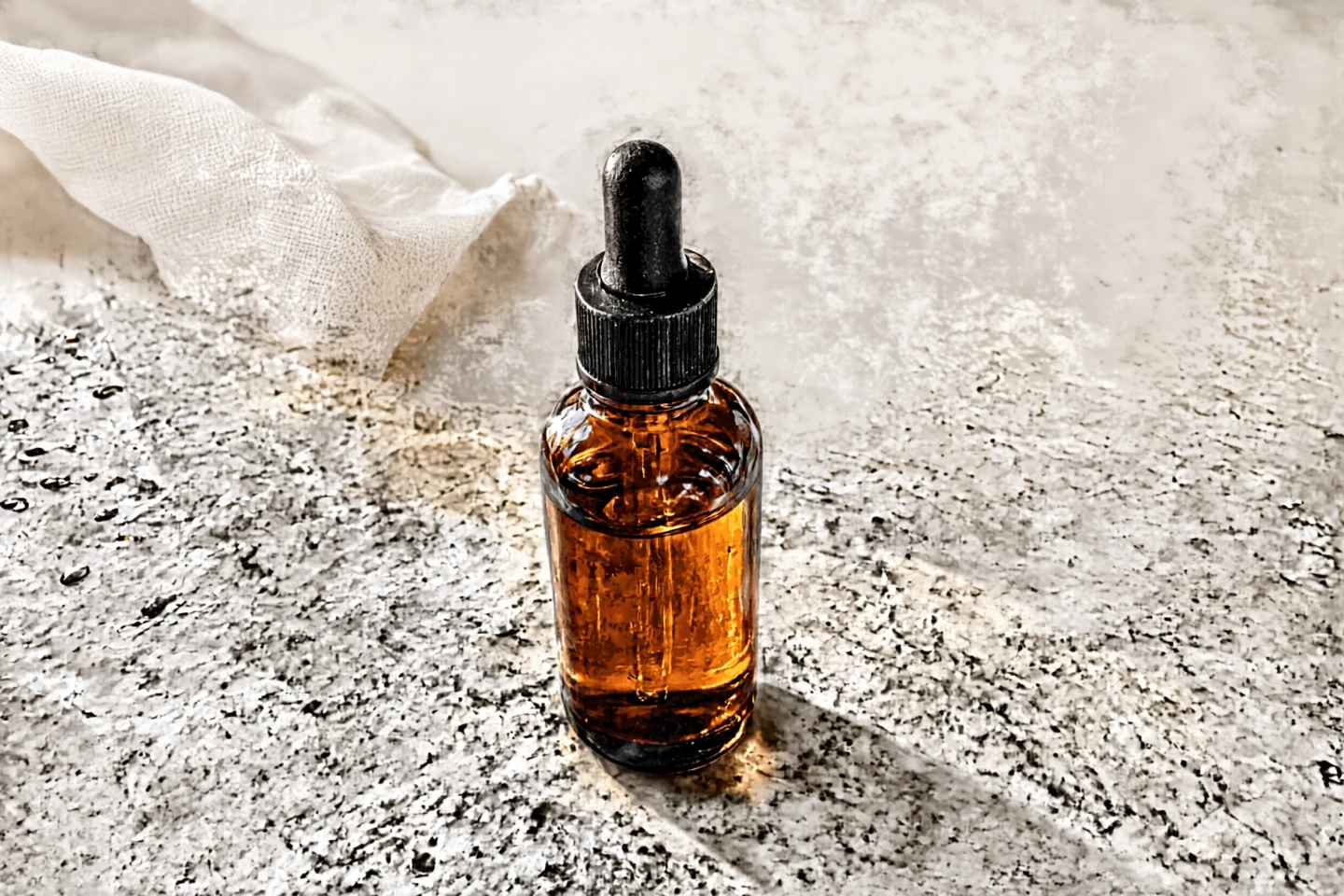
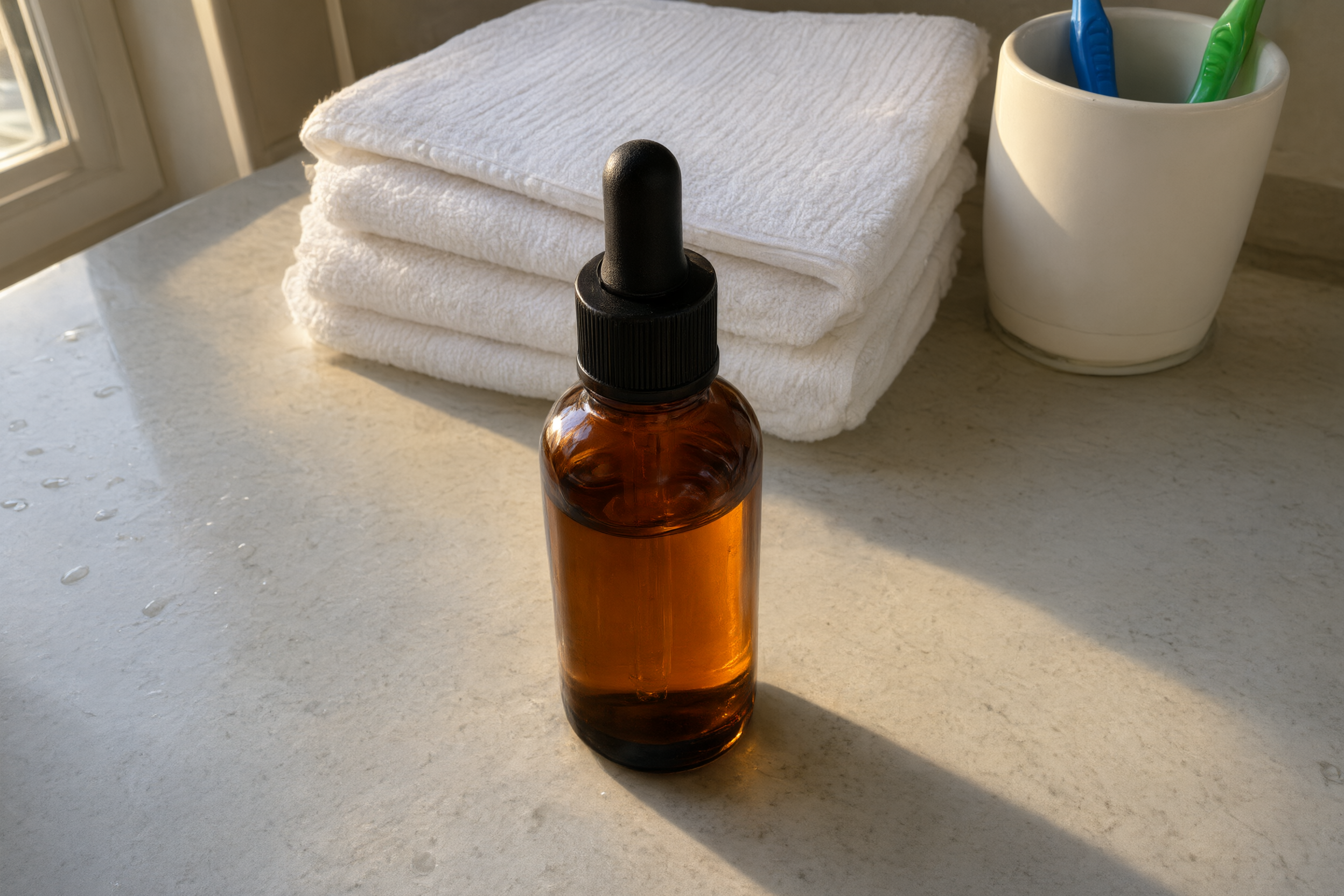
Keep the first layer tight when the image and product title do most of the selling. A shopper looking at an amber serum bottle first wants to know what it is, who it suits, the size, and the practical benefit. Put those answers close to the price.
Shopify’s product-description guidance recommends specific details, benefits, and scannable formatting. That does not mean adding every detail in one paragraph. It means giving shoppers facts they can use.
For a simple product, try this order:
A short product description length is not an excuse for vague copy. Do not write “premium quality serum.” Say what the bottle contains, the amount, the texture if known, and the intended routine. If a fact is missing, get it from the supplier or product team before publishing.
Longer copy helps when the customer has to picture ownership. Skincare buyers may want ingredients, skin-type guidance, how to use the product, scent information, and the size of the bottle. A technical accessory may need device compatibility, dimensions, materials, and setup steps.
That extra content should answer questions, not repeat the first sentence in new words. Each section needs a job. One can explain use. Another can state what is included. Another can clarify care or fit. If a paragraph does not reduce uncertainty, cut it.
Use headings so a shopper can jump to the answer. This is also useful when product description length grows beyond a few bullets. It keeps the page readable on a phone and makes later updates safer for the team.
Do not make claims that the product data cannot support. A claim such as “works for sensitive skin” needs evidence from the brand or formula. Plain, accurate copy builds more trust than a pile of superlatives.
The serum bottle below is a sample made for this article. The weak version tells the shopper almost nothing. The stronger version starts short, then leaves room for details that matter.
| Weak listing copy | Two-layer listing copy |
|---|---|
| Luxury face serum. High quality formula for glowing skin. 30 ml. | Daily facial serum in a 30 ml amber glass bottle.
Made for a simple morning or evening routine. The dropper helps control the amount without spills. At a glance
Before you buy |
The second version does not invent a miracle result. It gives a shopper usable facts, then marks the facts a store must confirm. That protects the customer and makes the content team stop guessing.
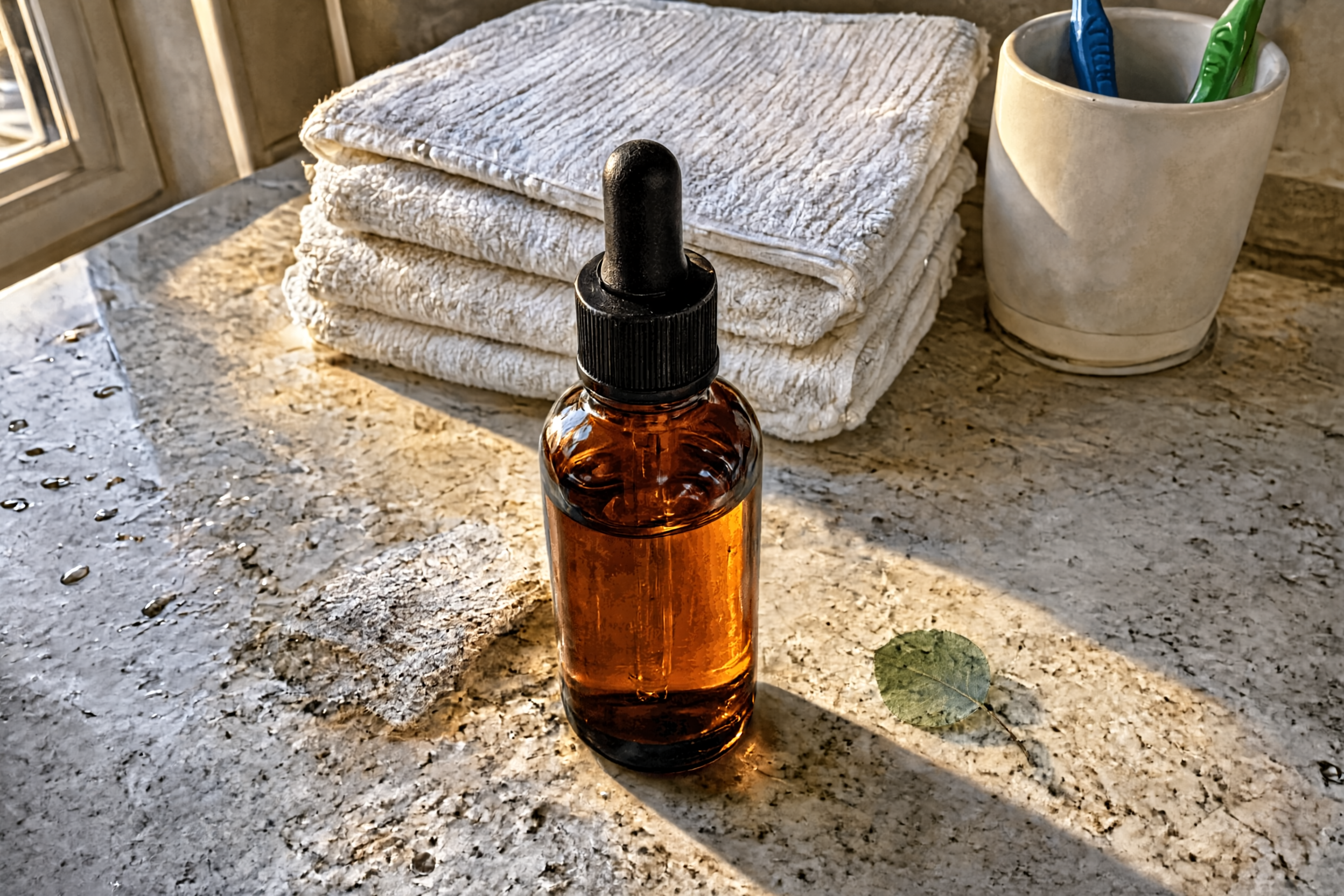
For many stores, a two-layer page is the safest default. The first layer is short copy near the purchase controls. The second layer contains the details that prevent a wrong order.
Clear photos make this structure work. If the item itself is hard to see, fix the image before adding more copy. The guide to white-background product photos shows why the main listing image should make the product obvious at a glance.
Stores with hundreds of products can use a shared template, but the facts cannot be copied blindly. A good template asks for the same fields every time: material, dimensions, use, care, fit, included items, and limits. This is the kind of repeated content task Agerta can prepare for review across a catalog.
Product description length is a hypothesis. Pick a group of similar pages and track what changes after the update. Shopify recommends setting goals and measuring performance, including conversion, cart abandonment, returns, support questions, and search rankings.
Choose one product family, rewrite five pages, and compare results over the same traffic period. Keep the version that answers more pre-purchase questions without hiding the buy button.
For more practical templates, browse the Product Descriptions category. Start with the smallest change that removes a real shopper doubt, then let the product data decide how much copy the page needs.
Your agentic office
Your Store Manager finds products missing photos, descriptions or details, writes titles and descriptions in every language you sell in, and prepares product photos and videos for your Shopify or WooCommerce store. Store changes wait for your approval until you let routine updates through.
Product Descriptions
Learn how to write Shopify product titles that describe the item, match shopper intent, and stay useful across product pages and search.
Product Video
Use this product video checklist to plan clear listing clips that answer buyer questions, show real product details, and work on mobile.
Store Automation
Learn which product data audit checks to automate, which need human review, and how to fix listing gaps across an online store.