Product Descriptions
Product Description Length: Short vs Long Copy
Choose the right product description length with a practical short-vs-long framework, a sample page, and a test plan for your store.
Learn how to write Shopify product titles that describe the item, match shopper intent, and stay useful across product pages and search.
Shopify product titles should tell a shopper what the item is before they have to inspect a photo or open a tab. Start with the product type, then add only the details that change the buying decision. A clear title helps a product page, a collection grid, and a search result do the same job: make the right item easy to recognize.
A title is not a slogan. It is a compact piece of product data. The best version stays accurate when it appears next to a photo, a price, a variant, or a short description.
Put the thing a shopper is looking for near the front. For a bottle, that might be insulated water bottle. For a shirt, it might be linen camp collar shirt. The product type gives the title its anchor. Without it, names such as Trail Day or Harbor Blue make sense only to someone who already knows the catalog.
Then choose one to three attributes that help a shopper separate this item from similar ones. Material, capacity, fit, color, ingredient, compatibility, or a real use case can earn a place. Do not add every attribute just because it exists in a spreadsheet. A shopper deciding between two bottles may care about 500 ml and bamboo lid. They rarely need a model code in the title.
Shopify recommends unique, descriptive titles and placing the most important target words near the beginning of page titles. The same discipline works for product names. Shopify guidance on SEO product copy also makes the useful distinction between a broad category and the details that explain what makes the item relevant.
Use a short fact sheet before writing. It prevents titles from drifting into claims the product page cannot support. Collect the product type, its one or two strongest differentiators, a size or fit detail when it matters, and the search words customers actually use.
That sequence keeps Shopify product titles useful without turning them into a string of search terms. Google asks site owners to create helpful, reliable content for people rather than pages designed to manipulate rankings. A product title should pass the same test: it should describe the exact item on the page. Read Google guidance on people-first content before setting a catalog-wide naming rule.
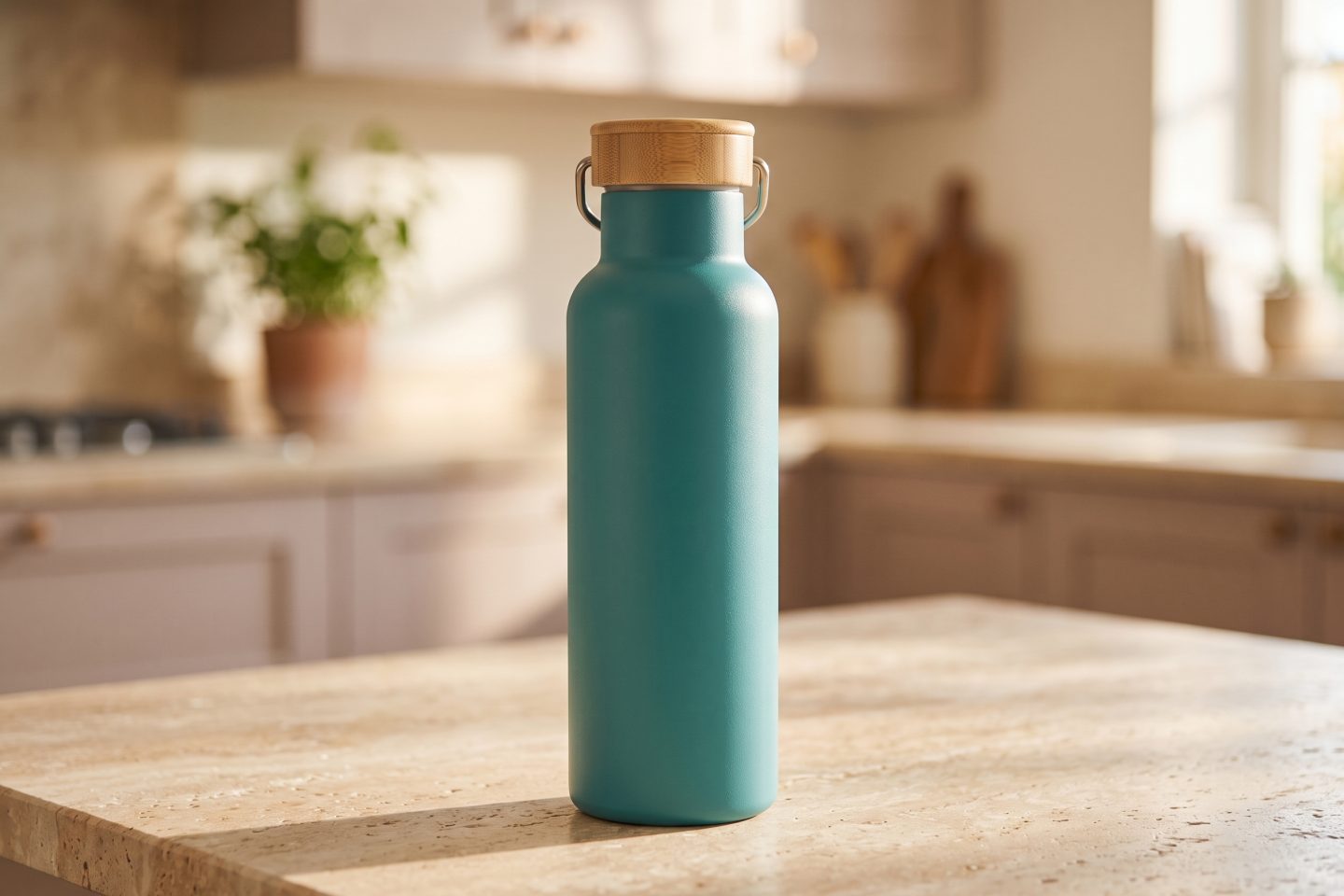
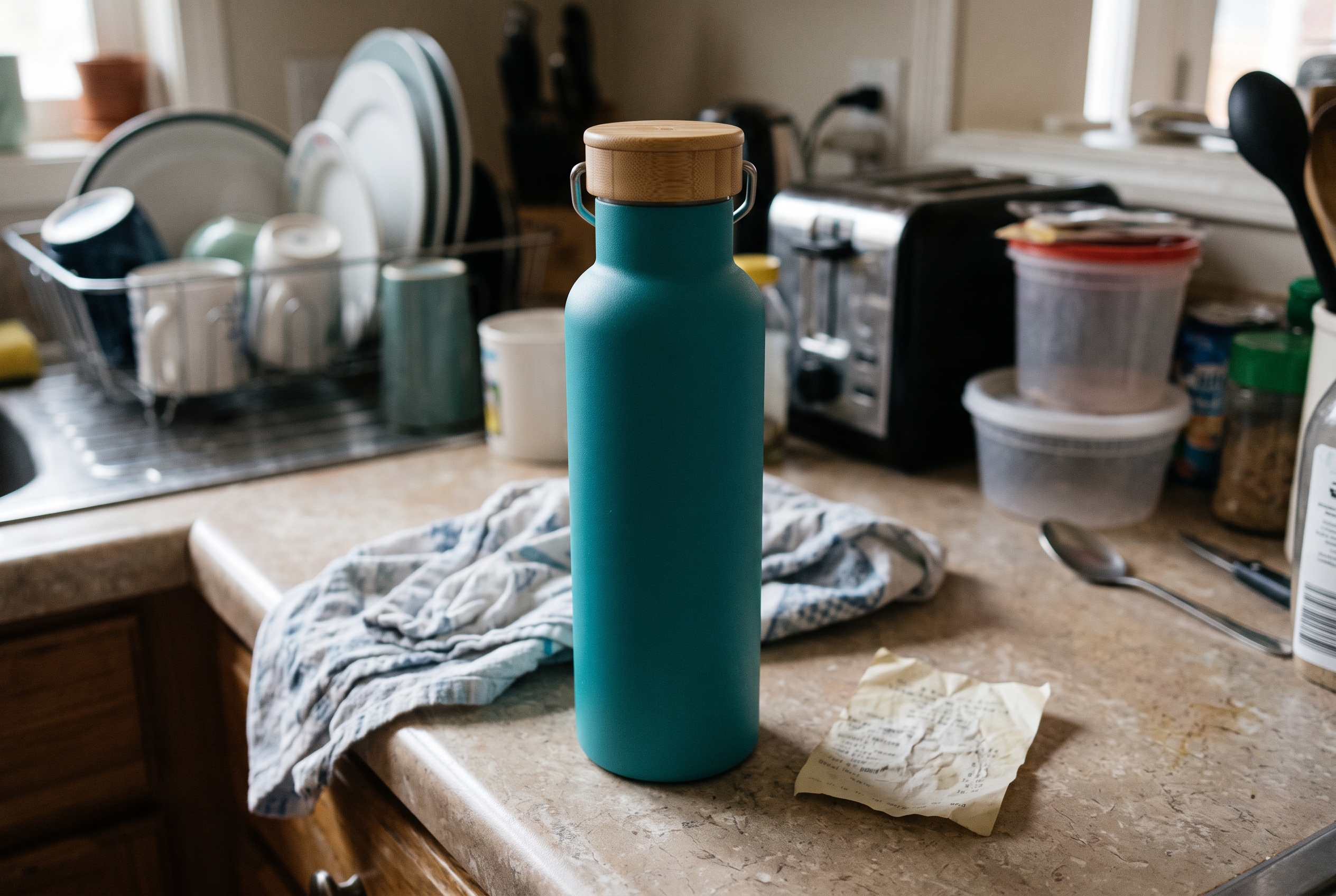
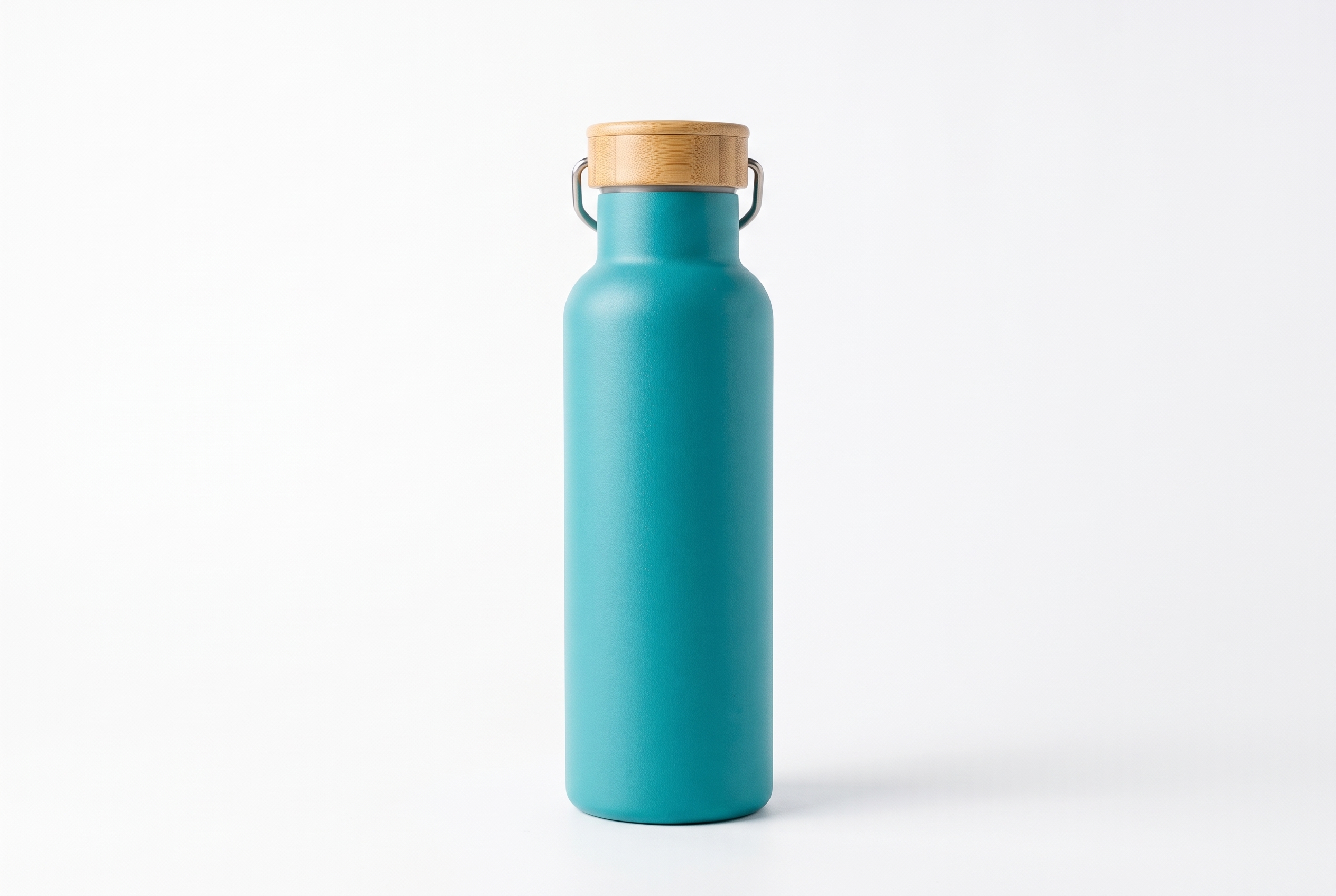
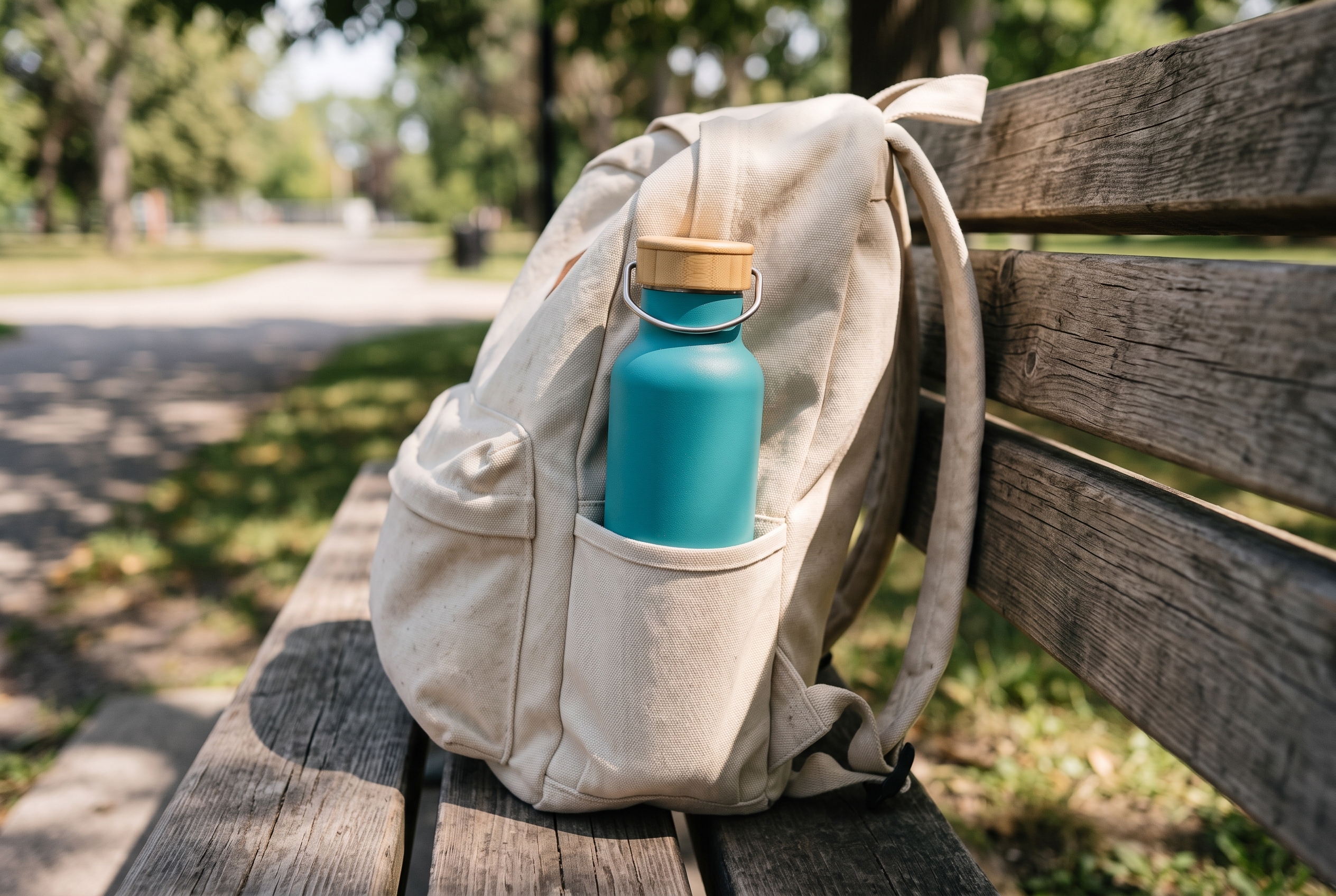
The bottle below is a sample made for this article. The first photo gives a store team a visual starting point. The clean studio version confirms the product shape and the bamboo lid. The lifestyle image reveals a use context. Together, those details support a title without inventing a promise.
| Version | Title | What a shopper still has to guess |
|---|---|---|
| Too vague | Teal Trail Bottle | Whether it is insulated, its material, and its capacity. |
| Too crowded | Premium Teal Outdoor Travel Sports Hiking Insulated Metal Bottle With Eco Bamboo Cap | The item is buried under promotional and overlapping words. |
| Useful | Teal Insulated Water Bottle with Bamboo Lid, 500 ml | Very little. The product type and decision details appear early. |
The useful version works because each part earns its place. Teal differentiates a variant. Insulated water bottle names the product and likely shopper language. Bamboo lid gives a visible material detail. The capacity helps a buyer judge daily use. It does not claim leakproof, dishwasher safe, or hot-for-hours unless the product data proves those points.
Keep the title and the rest of the page aligned. The title should use the same product type that appears in the opening description and relevant image alt text. For guidance on the supporting copy, see how short and long product descriptions serve different products and the product image alt text checklist.
Many stores try to fit a keyword, color, feature list, campaign phrase, and internal code into one field. The result is hard to scan on a phone and hard to manage when variants change. Start with the phrase that tells a shopper what the item is. Add the detail that separates it from the next result. Stop when the title answers the main question.
For a color variant, color often belongs at the front or end depending on how shoppers browse the category. A catalog with nearly identical bottles may lead with the color. A catalog with mixed product types should lead with the product type. Test the title where customers see it: collection cards, on-site search, product pages, and feed previews. One formula does not have to fit every category.
This review catches a common catalog problem: a good parent title copied unchanged to every variant. If the variant selector carries the color clearly, repeating it may be unnecessary. If the color is the key purchase decision on a collection grid, include it. The decision should follow what the shopper can see, not a rigid template.
For a wider review of missing product facts, use the product listing audit checklist. It helps teams find the missing descriptions, images, and details that make titles harder to write in the first place.
Consistency does not mean every title has the same word count. It means each category uses a documented order of information. A simple rule for drinkware could be product type, key feature, material, capacity, then color. Apparel may need garment type, material, fit, and color. Accessories may need product type, compatible device, and size.
Store the rule beside the catalog data. That gives a writer or an automation process the fields needed to create an accurate first draft. It also makes exceptions visible. A handmade item may need a material detail. A compatible accessory must name the device. A giftable item should not replace the product type with a seasonal phrase.
When hundreds of listings need cleanup, the hard part is collecting the missing facts and checking the output against the rules. Agerta can research product details, create the missing images and descriptions, and prepare product updates for the approval level a store chooses. The final check stays simple: every title should help a real shopper identify the exact item.
For more practical product-copy guidance, browse the Product Descriptions category.
Your agentic office
Your Store Manager finds products missing photos, descriptions or details, writes titles and descriptions in every language you sell in, and prepares product photos and videos for your Shopify or WooCommerce store. Store changes wait for your approval until you let routine updates through.
Product Descriptions
Choose the right product description length with a practical short-vs-long framework, a sample page, and a test plan for your store.
Product Video
Use this product video checklist to plan clear listing clips that answer buyer questions, show real product details, and work on mobile.
Store Automation
Learn which product data audit checks to automate, which need human review, and how to fix listing gaps across an online store.